Review OpenCode Changes on Mobile
Use this workflow when OpenCode needs permission, asks a product question, or has produced code that you want to inspect before continuing.
Answer a permission
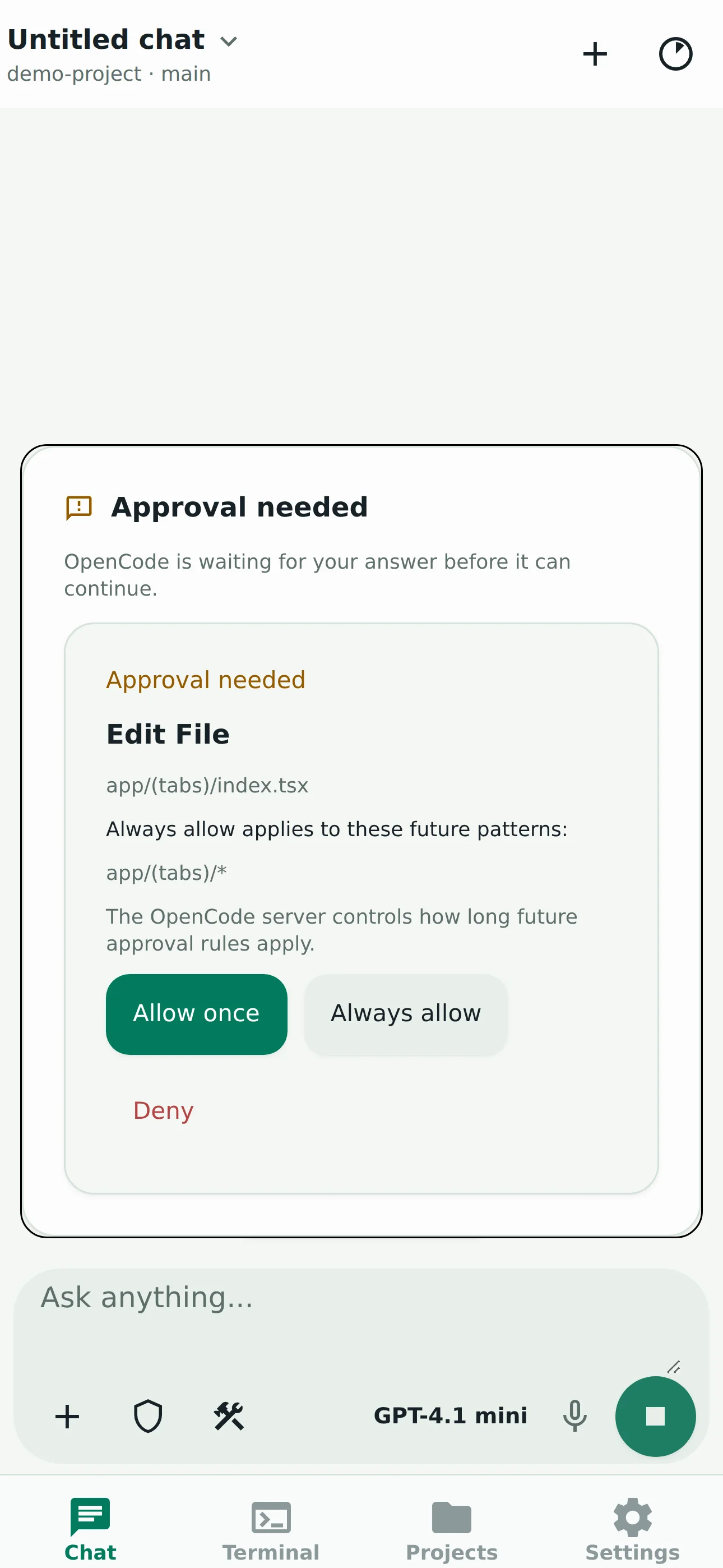
Section titled “Answer a permission”A permission card describes the requested operation and may include a command, pattern, or path. If a subagent requested the action, the card names the requesting session.
- Allow once approves only this request.
- Always allow approves that permission category for future requests.
- Deny refuses it.
Read the request before deciding. Prefer Allow once for destructive commands, unfamiliar projects, external network access, and paths outside the selected project.
On OpenCode 2, the composer has an auto-approve control. Settings → Approvals lists saved rules created by Always allow; removing a rule makes the server ask again. OpenCode 1.x does not expose auto-approve or saved approval rules.
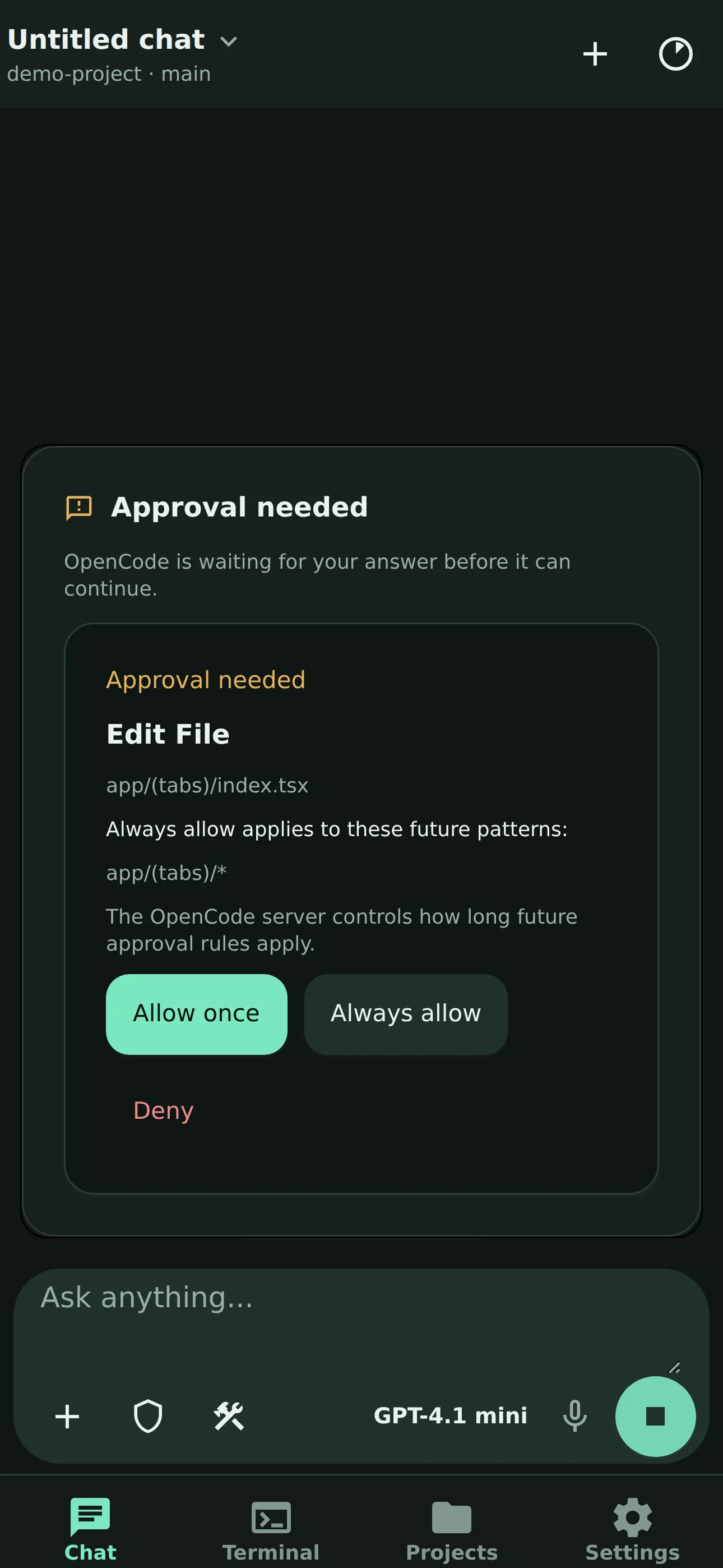
The approval view follows the website’s current color theme.
Answer a question
Section titled “Answer a question”Question cards can allow one choice, multiple choices, or a custom response. On OpenCode 2, forms can also include booleans, numbers, external links, required fields, defaults, and conditional fields.
- Answer in the order presented and submit.
- Drafts survive dismissal and reopening.
- Rejecting a question tells OpenCode not to continue with that unanswered decision.
- A failed submission keeps the answers for retry.
Conversation mode pauses for permissions and questions because they require deliberate on-screen input.
Review changed files
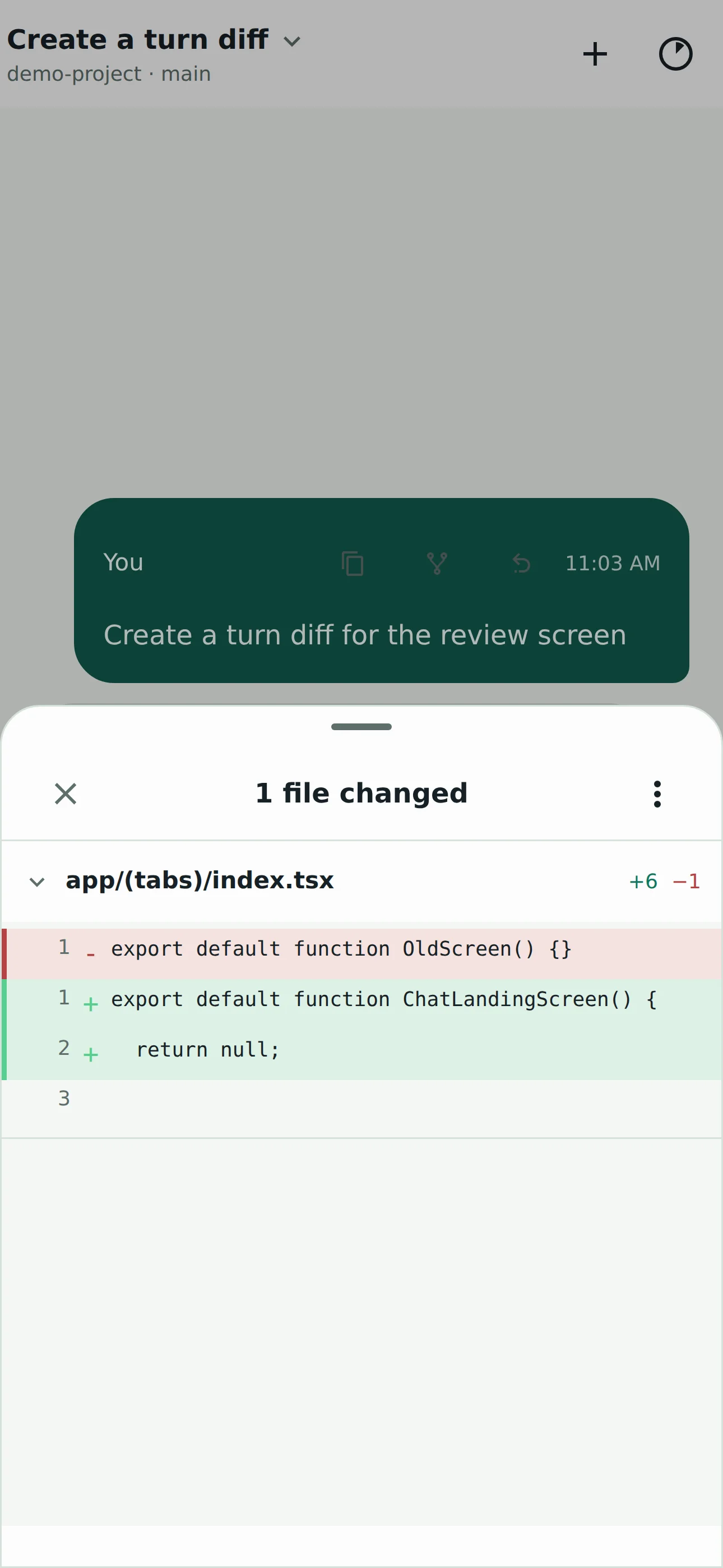
Section titled “Review changed files”Chat no longer uses a separate Files Changed tab. A centered change chip above the composer shows the file count and additions/deletions. Tap it to open the review overlay.
The overlay’s source button offers three diff scopes:
| Scope | What it shows |
|---|---|
| Turn | The diff recorded for a user turn. The latest turn with a recorded change is shown by default. |
| Uncommitted | The project’s current VCS working-tree changes. Not session-scoped. |
| Branch | Changes against the project’s default branch. Not session-scoped. |
When more than one turn has a recorded diff, the Turn scope lets you choose an earlier turn. If a turn has no structured diff, the app shows the changed-file list and notes that diff lines are unavailable for that turn.
To review:
- Tap the change chip above the composer.
- Compare the changed-file count with the task scope.
- Expand each file and review added and removed lines.
- Use the source button to switch to the working tree or branch view.
- Close the overlay and ask for a correction when something is unexpected.
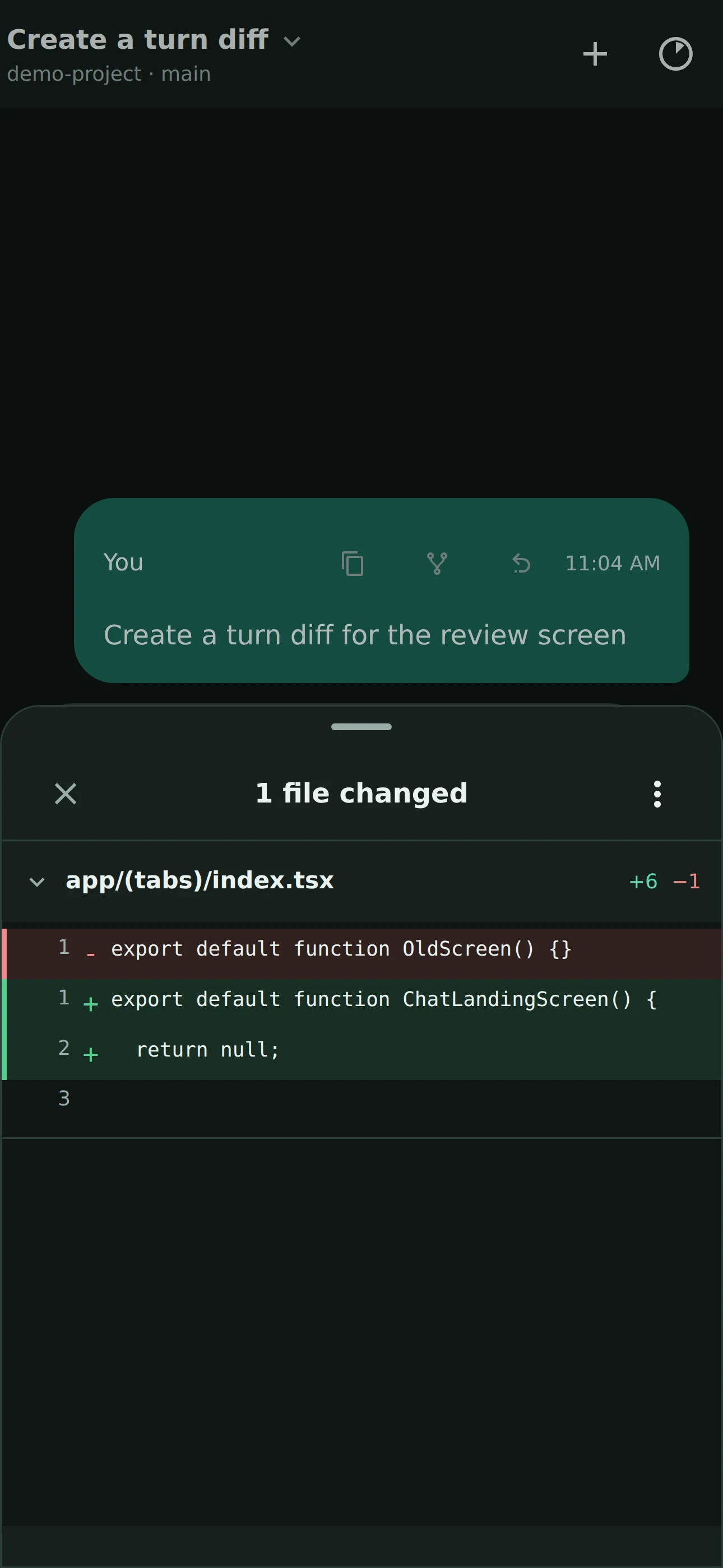
The overlay follows the website’s current color theme.
When a request disappeared
Section titled “When a request disappeared”Pending interactions are refreshed from both realtime events and server list APIs. If one vanishes, it may already have been answered elsewhere. Refresh the session before assuming it was lost.
Next: Edit a project file, manage sessions, or review the remote-access security model.